

Description
Description
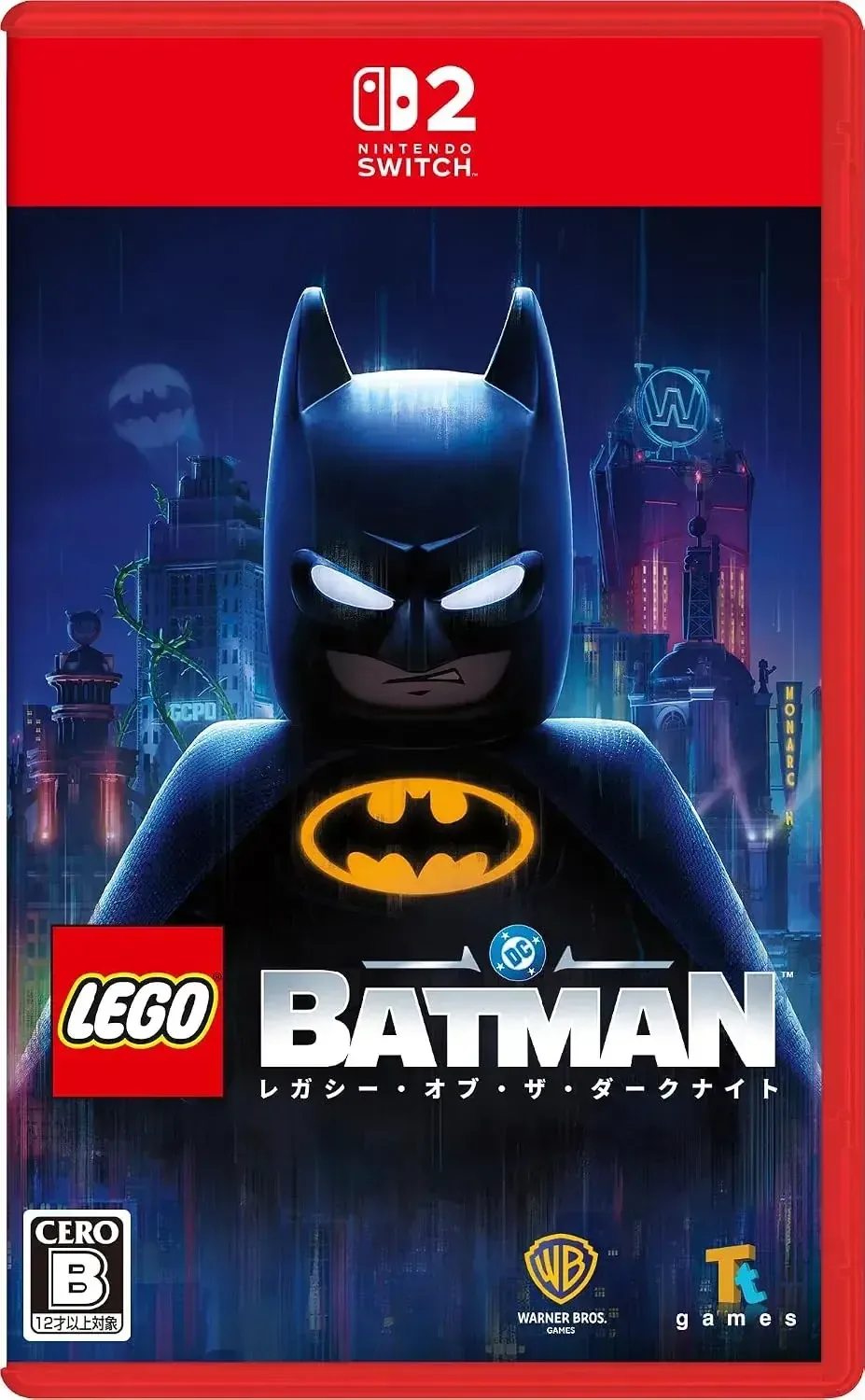
The Warner Bros LEGO Batman Legacy of the Dark Knight console video game invites players to follow Batman’s story through a LEGO-inspired Gotham City. Investigate the city’s past, reveal crimes, take on challenges, and collect rewards throughout famous locations such as Arkham Asylum, Ace Chemical, and Wayne Tower.
Move around Gotham with Batman’s grappling gun, glider, and vehicles before confronting enemies through strikes, ongoing attacks, counters, and dramatic takedowns. Cooperative multiplayer lets family and friends play together, while Dark Night Mode delivers an added challenge for experienced players.
Details
• Product Material: Plastic
• Manufacturer: WARNER BROS
• Made in: Japan
Features
Explore an open-world Gotham City with a LEGO-inspired design
Follow Batman’s journey from Gotham’s beginnings as he battles his enemies
Navigate the city with a grappling gun, glider, or selection of vehicles
Find crimes, missions, rewards, and unexpected discoveries at Arkham Asylum, Ace Chemical, Wayne Tower, and other locations
Warner Bros LEGO Batman console game includes cooperative multiplayer for family and friends
Dark Night Mode adds a more demanding difficulty level for experienced players
Battle with Batman’s strikes, chained attacks, counters, and spectacular takedowns
Japanese-language game
Recommended for players aged 15 and above
Nintendo Switch 2 package contains a key card used to download the game data
How to use
For initial setup, place the included key card into the Nintendo Switch 2 console and connect to the internet to download the game data. Once the download is finished, insert the key card to play without an internet connection. Follow the on-screen directions and use the controls to travel through Gotham, tackle challenges, and fight enemies.
Care instructions
Keep the key card stored with the game package when it is not being used, and shield it from bending, moisture, dust, and other damage. Place the game package in a clean, dry, secure location, and handle the key card gently when inserting it into or taking it out of the console.